Well Completion Report
Submitting a Well Completion Report
Follow these steps to submit a Well Completion Report:
Step 1: Navigate to Well Completion Report
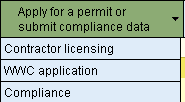
From the Home Page, click, Apply for a permit or submit compliance data, then click Compliance..
Step 2: Enter the permit number
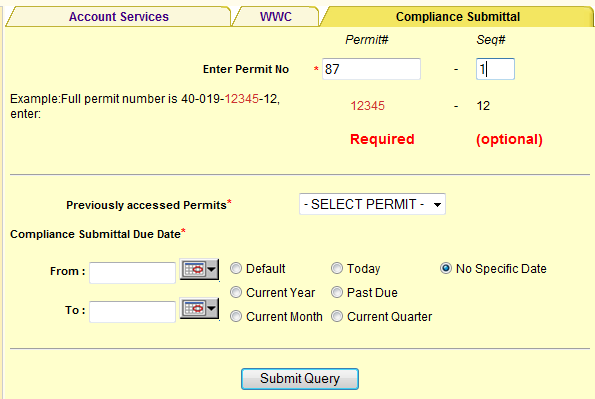
a. Enter the permit number.
b. Select a Date Range. The Date Range defaults to No Specific Date.
c. Click Submit Query.
Step 3 Select the submittal form
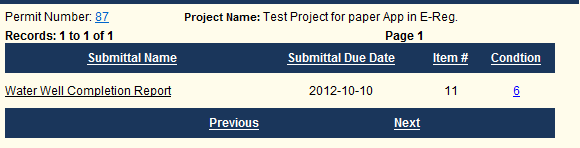
Select the submittal form you wish to complete by clicking on the link under the Submittal Name column.
Step 4 Complete the completion report information
The submittal type selected determines the sections (tabs) that will be displayed for completion.
a. Click the Plot Well button on the Map page, then click the location of the well.
b. Click the Continue button.
c. Complete the required fields.
d. Click Next.
e. Complete the second page of the report, then click Next.
f. Complete the third page of the report, then enter a description and attach any documents, such as photographs of the well.
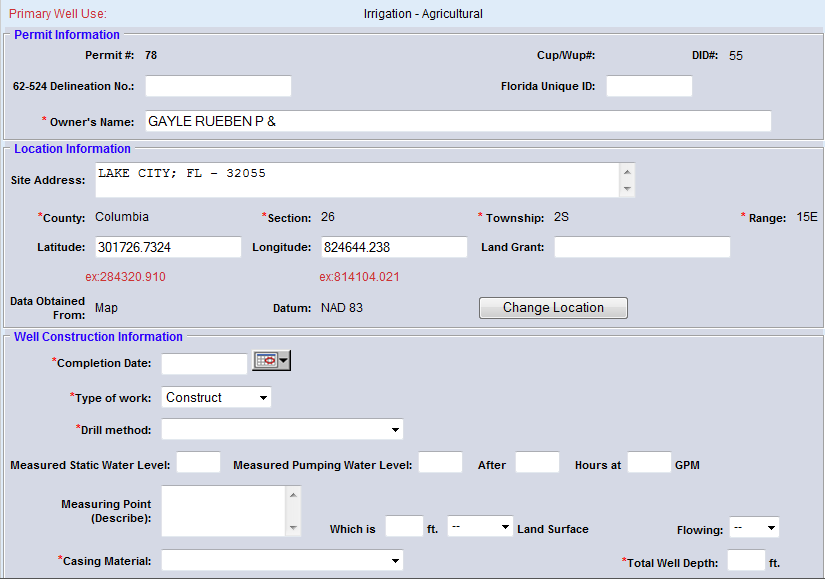
Step 4: Complete the required information
You can save the well information and then add information about another well, or you can submit the report
To save the well data and enter data for another well, click the Save Station button.
To save the completion report and submit it to the District, click the Submit Station button..
Step 5: View your confirmation and click Continue
After completing the completion report and clicking Submit,
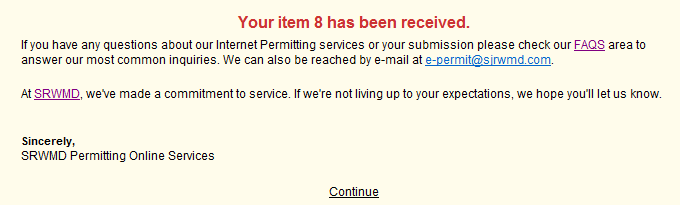
a. You will receive a Thank You page confirming receipt of your report.
b. Click Continue to return to the Home Page.
Step 8: View your confirmation e-mail
You'll receive an e-mail, confirming your compliance submittal.
Related Help Topics
Contact Customer Support
 If you're looking for more help or have
a question to ask, please contact
us.
If you're looking for more help or have
a question to ask, please contact
us.